

Find a player
Prestige, generators, harvests and heirlooms for anyone who has played.

 — a generator and farming server for Java and Bedrock
Generators and farming · Java & Bedrock
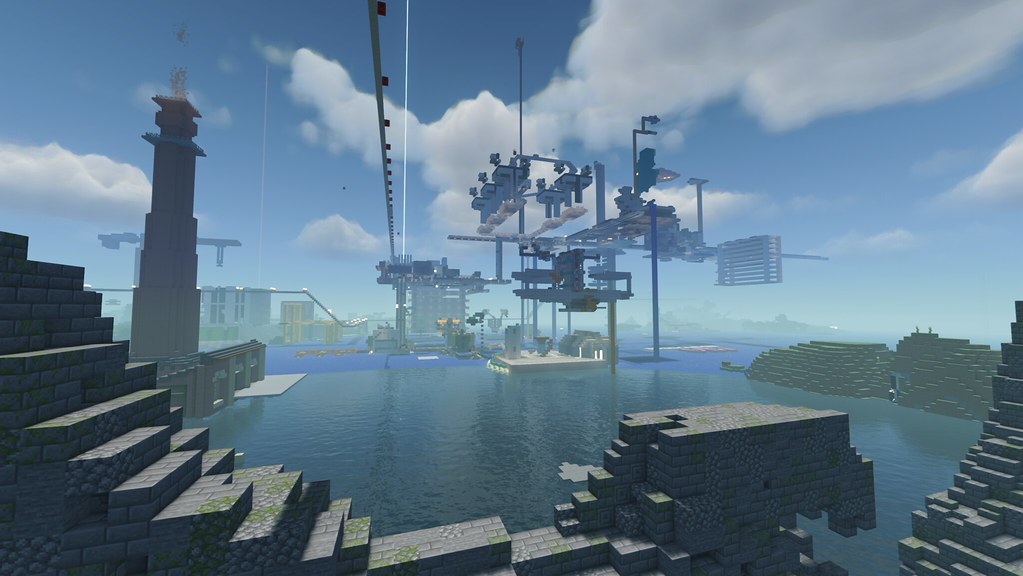
Buy generators, place them on your island and sell what they make. Higher tiers make better items.
/generators/sell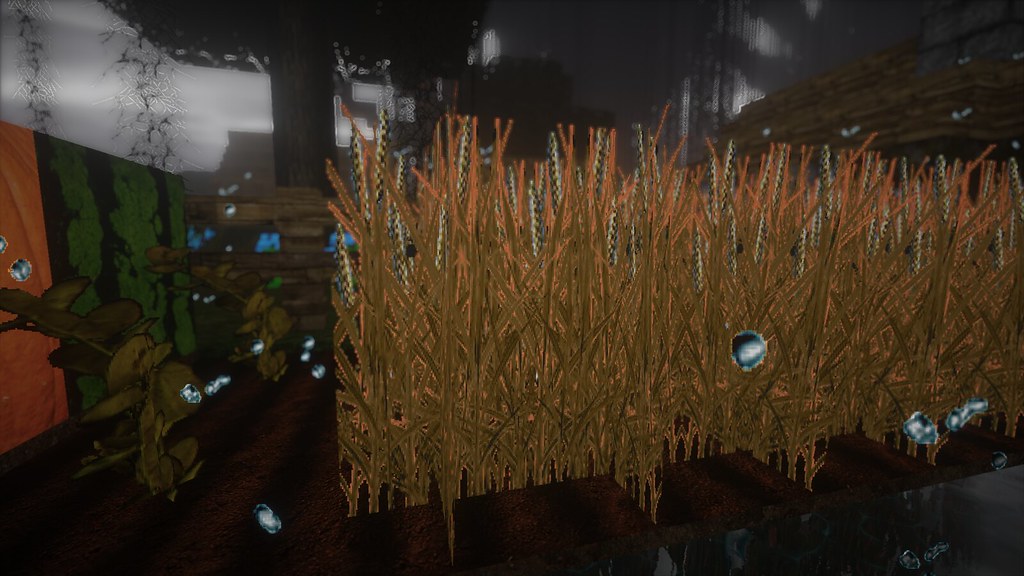
Start in the mine and the farms; the forest sawmill opens at Rebirth 10 and the fishing pond at Rebirth 25. Everything you gather sells for money and gives XP.
/farm/mine/woodcutting/fishing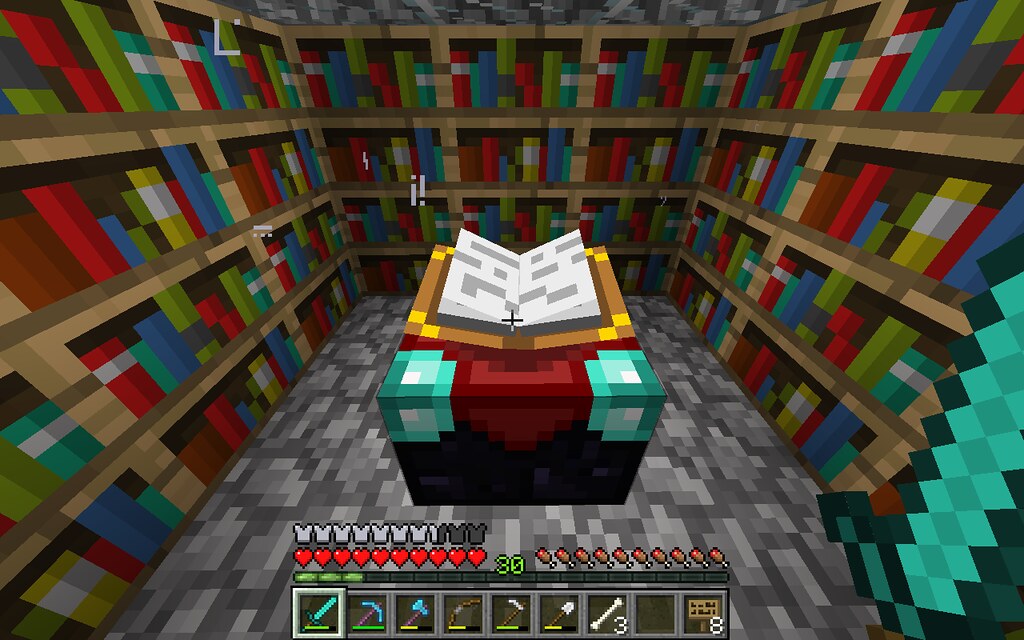
Upgrade your pickaxe, axe, hoe and fishing rod, then add boosts like Explosion, Meteor and Lucky Upgrade.
/upgrade/toolboost
Upgrade your island for more generators, a double-drop chance, more space, more members and flight.
/island/upgrade
Hit the required level to rebirth. Money resets, but you keep your generators and tools, and every rebirth adds sell bonus and a generator slot.
/rebirth
Start a clan, sell items on the auction house and flip coins with other players.
/clan/ah
Farm, mine, chop and slay. Each activity has its own weekly leaderboard, reset every Monday.
See this week’s leadersPrestige, generators, harvests and heirlooms for anyone who has played.
Loading…
See all activityYes. Java and Bedrock players share the same server. On Bedrock use play.sunvales.com with port 19132.
Use the latest Minecraft version for the best experience; older Java versions can usually connect too.
No. Accept the server resource pack when you join; the custom menus use it.
Yes on Java Edition. Bedrock players join with their normal Microsoft account.
Ask on our Discord. Staff and players are there to help.
The guide walks you from your first generator to your first rebirth, with every command you need.
Open the guide